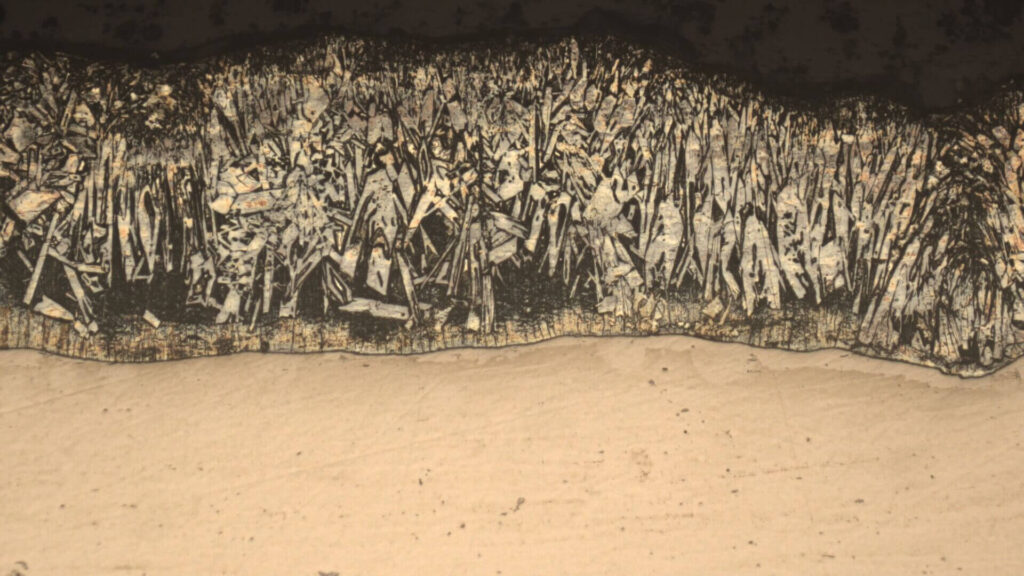
Achieve Flawless Clarity with Extended Depth of Focus (EDOF)
Overcome the physical limitations of your microscope’s optics. MicroVision Suite’s powerful EDOF technology creates a single, perfectly sharp image from multiple focal planes, revealing detail that would otherwise be lost in blur.
The Challenge: Shallow Depth of Field in Microscopy
The solution is Extended Depth of Focus, a powerful computational imaging technique that digitally combines the sharpest portions of multiple images into one perfectly focused final result.
Every microscope user has faced the same fundamental problem: shallow depth of field. When observing three-dimensional objects like insects, electronic components, or complex material structures, you can only get a thin slice of the sample in sharp focus at any one time. Focusing on the top of a screw thread means the bottom is blurry, and vice versa. This limitation can make comprehensive analysis impossible.
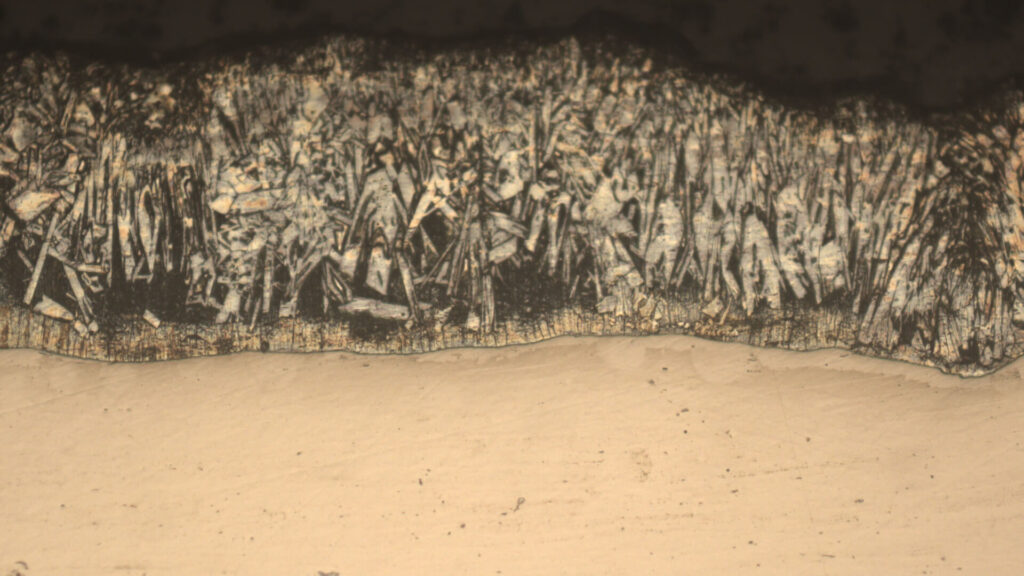
How does EDOF work?
The principle behind the EDOF technique is both simple and brilliant. Instead of relying on a single capture, the process involves acquiring a “focus stack”—a series of images taken at different focal depths.
- Image Acquisition: The user slowly adjusts the microscope’s focus, moving through the entire height of the sample. During this process, the software captures a sequence of frames.
- Analysis: The software then analyzes each image in the stack pixel by pixel, identifying which pixels are in the sharpest focus for each frame.
- Fusion: Finally, it intelligently merges only the sharpest pixels from across the entire stack into a new, composite image. The result is a stunningly clear picture where every part of the sample, from the highest point to the lowest, is in perfect focus.
How To Create EDOF (Extended Depth of Focus) Images with MicroVision Suite
We designed our software to make this complex process incredibly simple and intuitive. You don’t need to be an expert to get professional results.
- Step 1: Start Capture
Open the EDOF dialog and click ‘Start’. The software is now ready to acquire frames. - Step 2: Adjust Your Focus
Slowly and smoothly turn your microscope’s focus knob from the lowest point of your sample to the highest (or vice versa). You will see the software capturing frames automatically. - Step 3: Process the Image
Once you’ve covered the full focal range, click ‘Stop’. Our advanced algorithms will take over, processing the captured frames and delivering your final, fully-focused image in moments.
Advanced EDOF Control for Unmatched Results
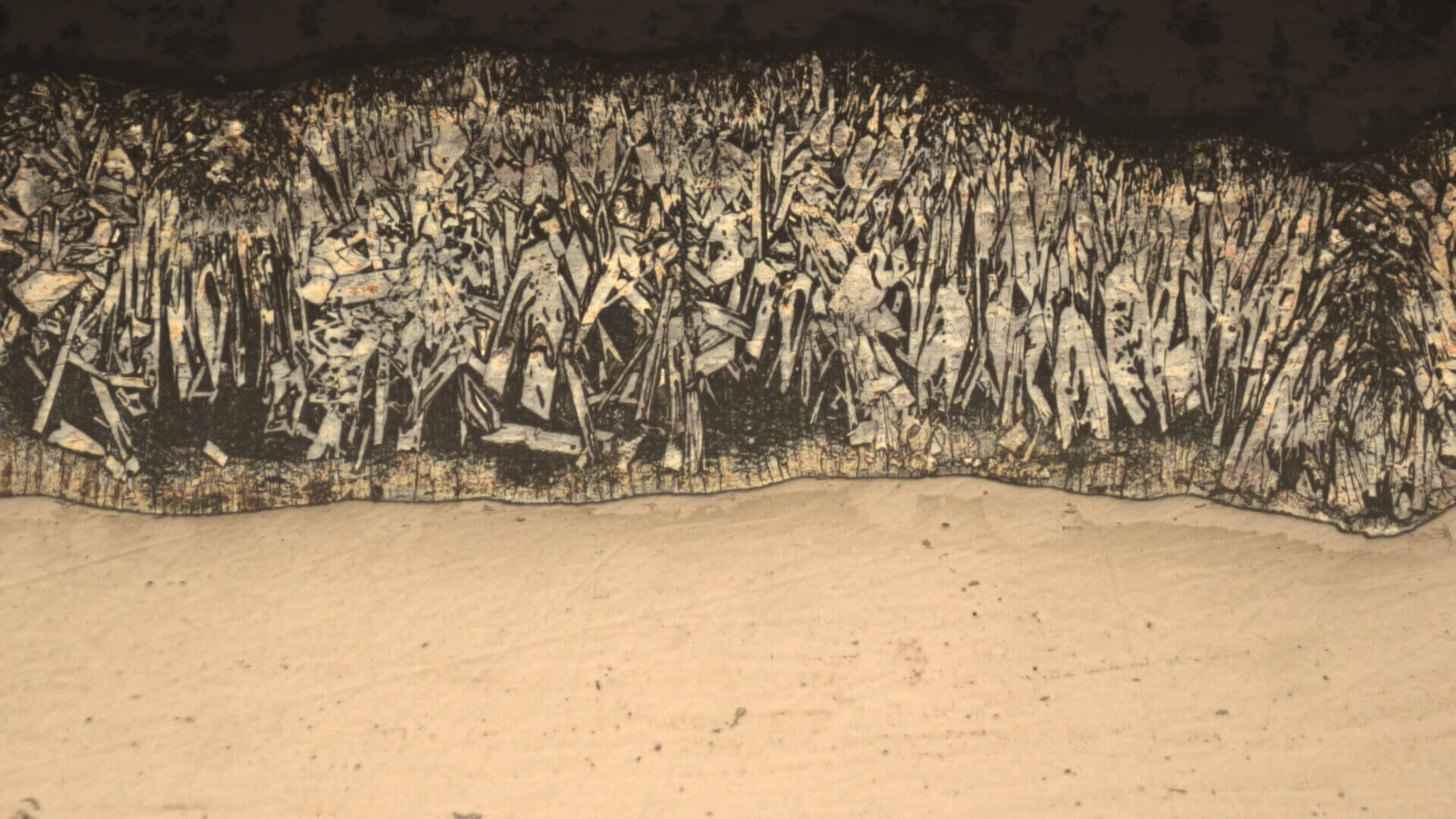
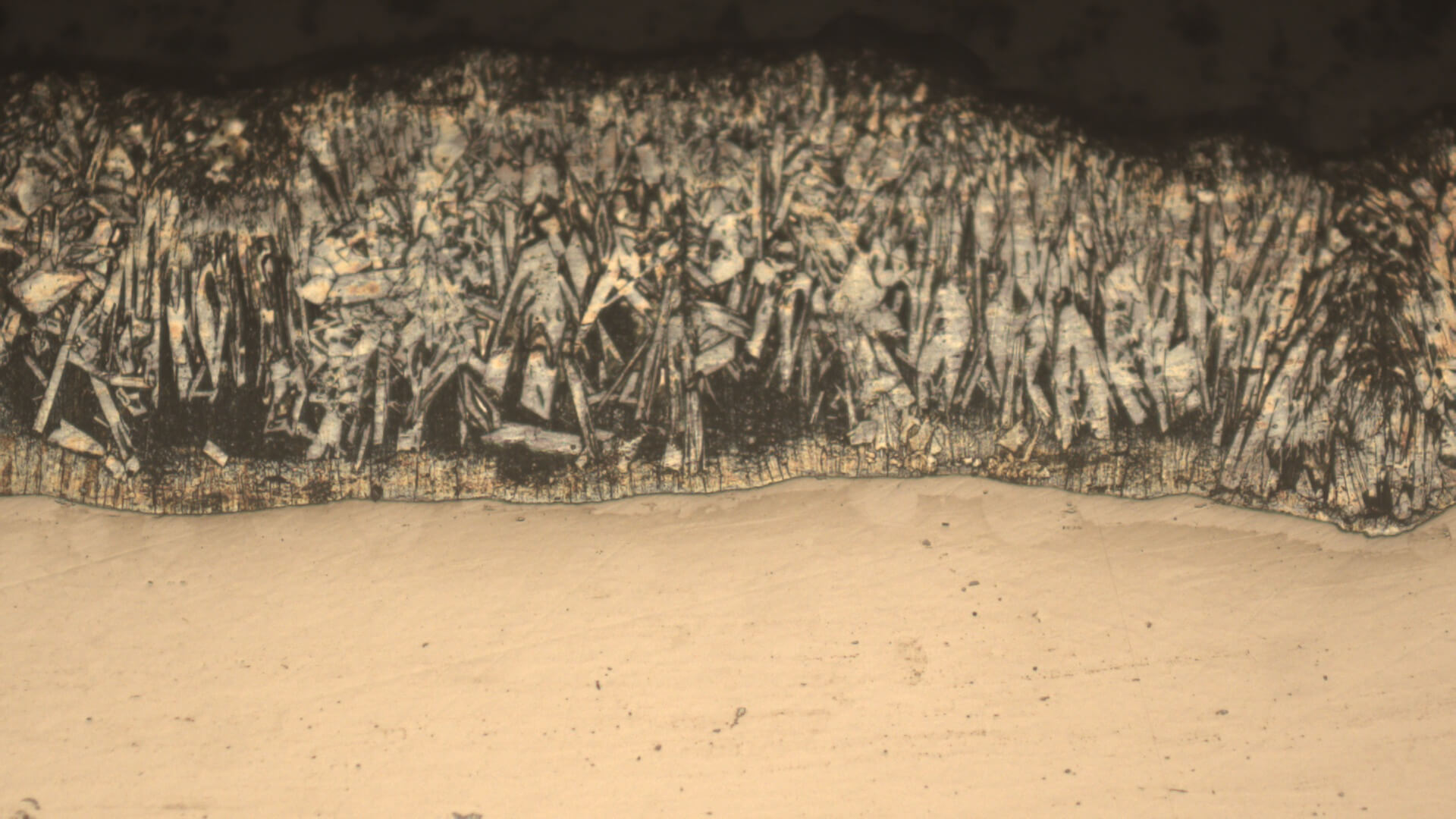
While the automatic process is simple, MicroVision Suite gives you unparalleled control to handle any type of sample. Based on our analysis of your code, here are the specific advanced features:
Choose Your Algorithm: Speed or Ultimate Quality
Unlike basic microscope software, MicroVision Suite offers multiple processing algorithms tailored to your specific needs:
- Standard Algorithm (Laplacian & Sobel Gradient): This fast and highly effective method is perfect for relatively flat objects with fine details, such as metallurgical samples, circuit boards, and textiles. You can fine-tune its performance by selecting different focus calculation methods (Laplacian, Variance of Laplacian, Sobel Gradient) and kernel sizes.
- Advanced 3D Pyramid Algorithm: For complex, three-dimensional objects with significant height differences (e.g., insects, screws, crystals), this algorithm provides superior results. It uses a more sophisticated pyramid-based fusion technique that minimizes common artifacts like halos and blurring, resulting in a cleaner and more natural-looking final image.
Intelligent Image Alignment
Working with a handheld USB microscope or a setup prone to slight vibrations? Our EDOF processor includes an optional image alignment feature. When enabled, it automatically corrects for minor shifts between frames, ensuring that your final image is perfectly aligned and free from motion-induced blur. For stable, mounted microscopes, you can disable this for even faster processing.
Powerful Pre-Processing Filters
A clean input leads to a clean output. Before the fusion process begins, you can apply powerful noise reduction filters to the image stack:
- Bilateral Filter: Excellent for smoothing surfaces while preserving sharp edges.
- Median Filter: Effective at removing “salt and pepper” noise.
- Gaussian Filter: Provides a general-purpose smoothing effect.
This level of control ensures that the final Extended Depth of Focus image is not only sharp but also clean and free of digital noise.
From Blurry Stacks to Crystal-Clear Images
Stop letting shallow depth of field limit your analysis. With MicroVision Suite’s advanced EDOF capabilities, you can transform a series of blurry captures into a single, data-rich, and perfectly focused image. Purchase today and see the details you’ve been missing.