In the high-stakes world of industrial metallurgy and materials science, the most expensive sentence you can hear is: “This camera isn’t compatible with our analysis software.”
Imagine having a perfectly calibrated optical microscope and a high-resolution CMOS sensor, only to find yourself trapped in a “closed-loop” proprietary system. These systems often force you to use outdated software that doesn’t support the latest Windows updates, lacks modern AI tools, or requires a five-figure investment just to unlock basic features.
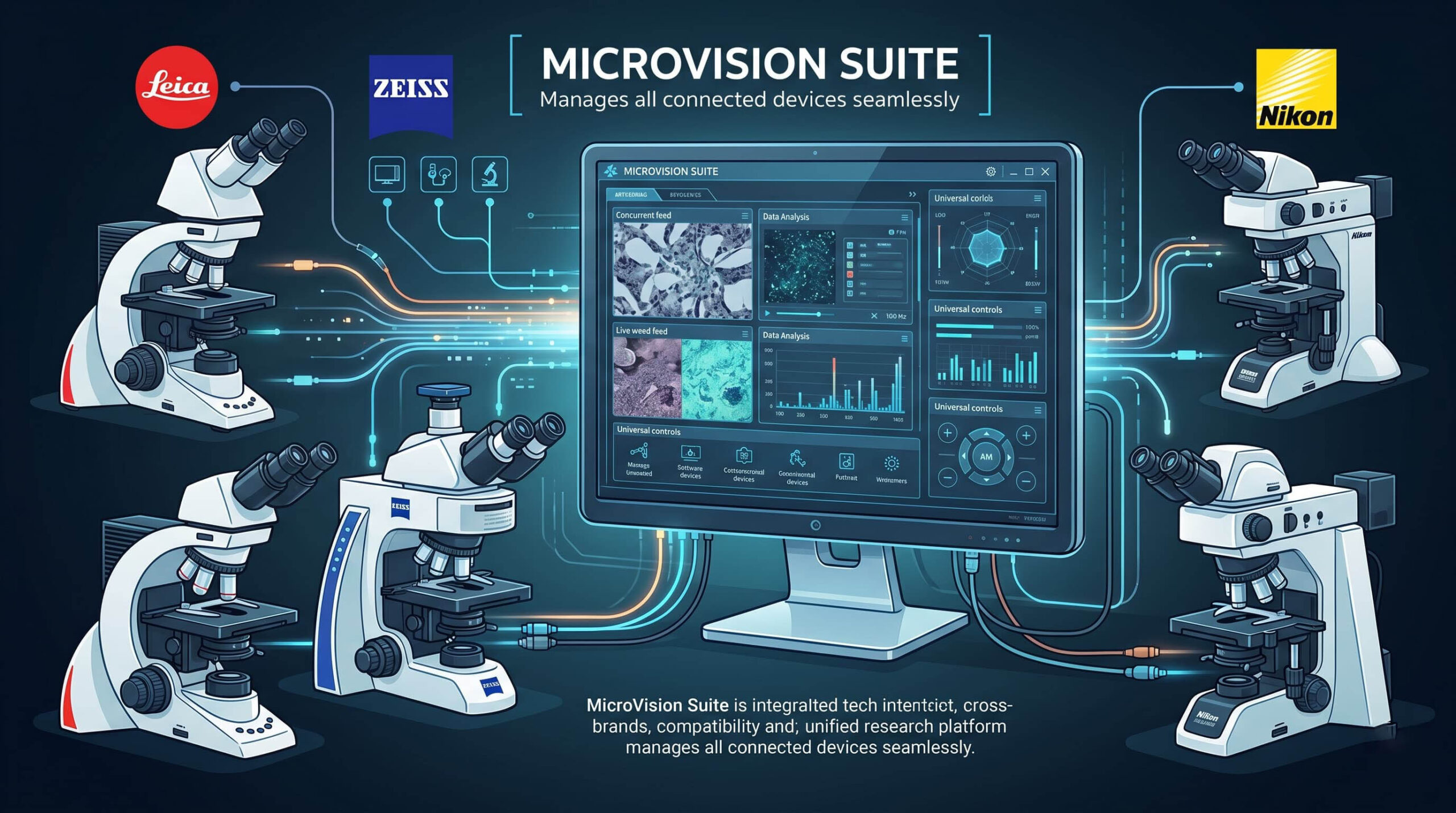
As we move through 2026, laboratories are leading a “Great Decoupling.” They are moving toward Universal Microscope Viewers—software solutions that break the “Golden Cage” of big-brand manufacturers. This isn’t just a technical workaround; it is a strategic move to liberate your hardware and future-proof your lab. Here is how you can connect almost any camera to professional software and turn your lab into an agnostic digital powerhouse.
The Myth of the “Bundle”
For decades, microscope manufacturers sold hardware and software as an inseparable pair. If you bought Brand X’s microscope, you were shackled to Brand X’s software. The problem? Microscope hardware (the glass and the stand) can easily last 30 years, while software becomes obsolete in five.
Universal connectivity shatters this model. By using hardware-agnostic software like Microvision Suite, you allow your high-quality optics to “talk” to any modern computer, regardless of which logo is engraved on the microscope base.
The Technology Behind the Bridge: How It Actually Works
To connect a camera to professional software it didn’t ship with, the system uses universal communication protocols. Understanding these terms is vital for any lab manager looking to modernize:
- DirectShow and WDM: These are standard Windows protocols that allow the software to “see” the camera as a standard video device. Most modern industrial USB 3.0 or HDMI cameras support this out of the box.
- TWAIN Drivers: Originally designed for scanners, TWAIN remains the gold standard for transferring high-quality, uncompressed static images from a camera into an analysis suite.
- Dedicated SDKs (Software Development Kits): Professional software often comes pre-loaded with drivers for the world’s most popular industrial camera brands (such as Basler, IDS, or Lumenera). This allows for deep integration, giving you control over exposure, white balance, and frame rates directly from the analysis interface.
The Benefits of Going Universal
1. Drastic Cost Reduction (ROI)
Instead of buying a brand-new $50,000 digital microscope system, you can retrofit your existing, high-quality analog stand with a $1,500 industrial camera and a professional software suite. The cost savings are immediate, while the performance often meets or exceeds that of closed “all-in-one” systems.
2. Standardized ASTM Compliance
Your Search Console data indicates a massive interest in ASTM E112 and Microstructure Analysis. A universal viewer allows you to use the exact same software on three different brands of microscopes across your lab. This ensures that every report is identical in format and mathematical rigor, regardless of which hardware captured the image—a critical factor for passing rigorous audits.
3. Immediate Access to AI Tools
Most proprietary software that comes bundled with hardware is “frozen in time.” By connecting your camera to an agnostic, modern system, you gain instant access to Deep Learning algorithms. These tools can automatically identify grain boundaries or inclusions, eliminating human fatigue and the subjectivity that plagues manual counting.
Practical Steps: How to Connect Today
If your microscope isn’t currently connected to a modern software suite, the upgrade process is straightforward:
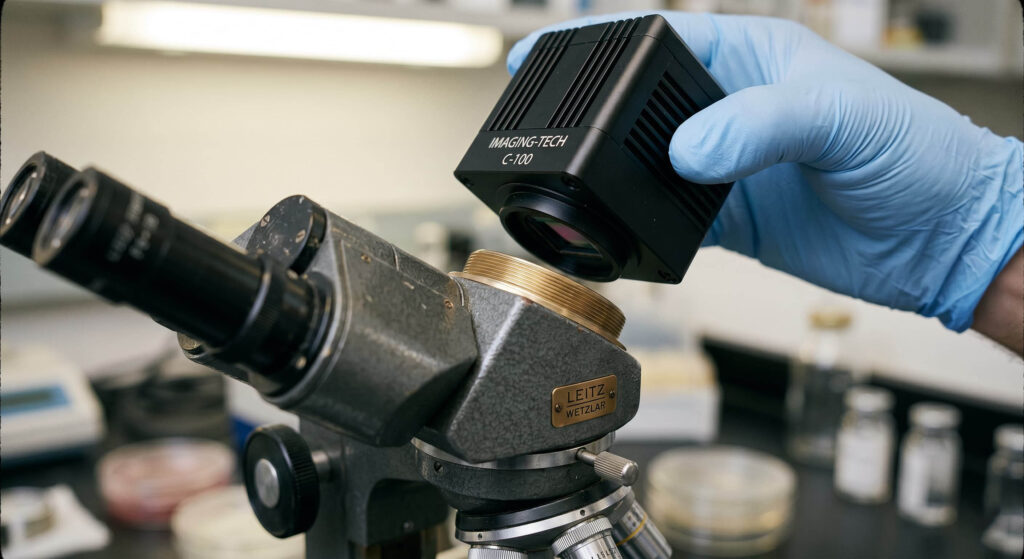
- Step 1: Check your C-mount: This is the mechanical adapter that threads the camera onto the microscope. Almost any microscope can be fitted with a universal C-mount.
- Step 2: Choose a Camera with Universal Drivers: Look for industrial CMOS cameras that support USB 3.0 and provide stable DirectShow or TWAIN drivers.
- Step 3: Install Microvision Suite: Once installed, the software will scan for available devices. In most cases, your camera will appear in the dropdown menu instantly, ready for calibration and analysis.
Conclusion: An Open-Source Future for Private Labs
In 2026, flexibility is a competitive advantage. Universal Microscope Viewers allow you to keep what is good (your optics) and upgrade what is outdated (your software). Don’t let a missing driver or a proprietary “lock” prevent you from delivering precision results. Liberate your camera, connect it to professional software, and let AI handle the heavy lifting of analysis.
Leave a Reply