
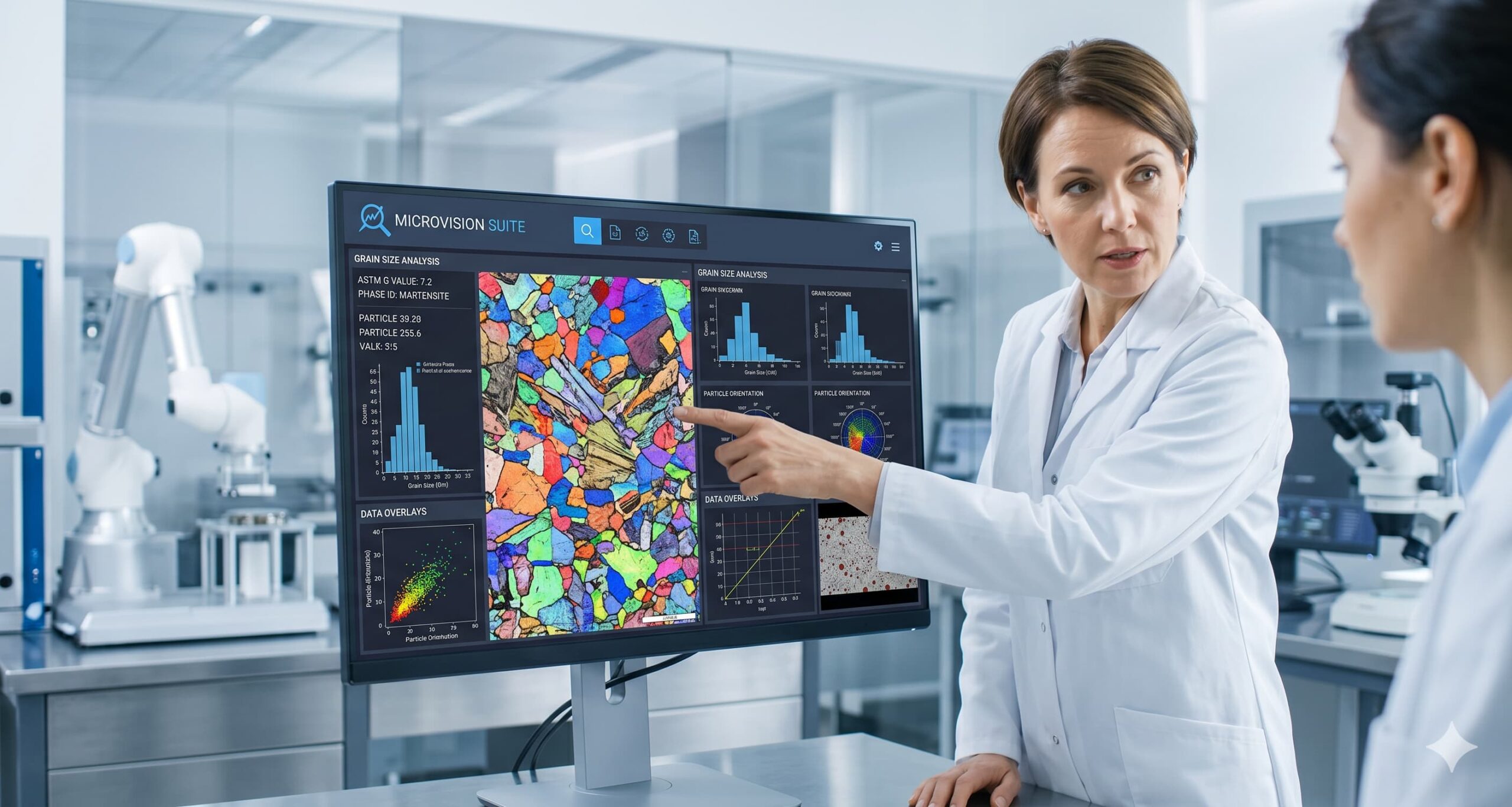
Choosing the right microscope imaging software is a lot like choosing an operating system for your computer. You can have the most powerful hardware in the world, but if the software is clunky, unintuitive, or proprietary, your hardware becomes a very expensive paperweight.
In the fast-paced laboratory environment of 2026, “just taking a picture” is no longer enough. You need a digital partner that turns raw optical data into actionable reports. Whether you are upgrading an old system or kitting out a brand-new lab, here are the five non-negotiable features you must look for to ensure your investment pays off.
1. Hardware Agnosticism (The Freedom to Choose)
The biggest mistake lab managers make is buying software that only works with one brand of camera or microscope. This is known as “vendor lock-in,” and it’s a productivity killer.
A professional software suite, like Microvision, should be hardware-agnostic. This means it can interface with almost any C-mount camera via universal drivers (DirectShow, TWAIN, or specialized SDKs).
- Why it matters: If your camera fails three years from now, you shouldn’t be forced to buy the same expensive brand just because of the software. You should have the freedom to plug in the latest CMOS sensor technology and keep working without a hitch.
2. One-Click ASTM and ISO Compliance
If you are working in metallurgy or materials science, your work is governed by standards. Manually calculating grain size using wall charts is not only slow—it’s prone to human error that can lead to costly batch rejections.
Your software should have “baked-in” modules for:
- ASTM E112: Automated grain size measurement.
- ASTM E45 / ISO 4967: Inclusion rating in steels.
- ASTM E10 / E18: Hardness testing integration.
- Why it matters: In an audit, you don’t want to explain your “estimated” results. You want to show an automated, repeatable process that follows international standards to the letter.
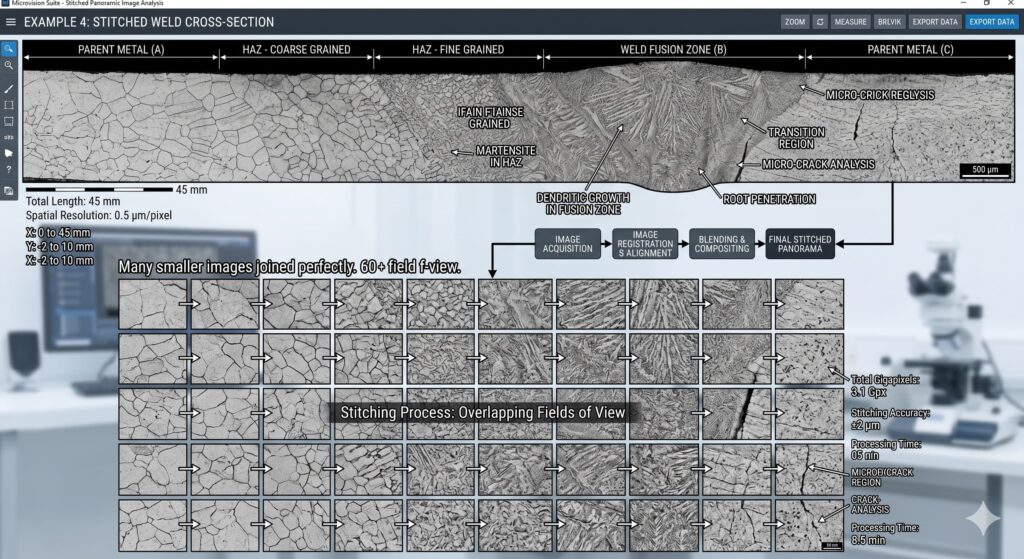
3. Advanced Image Reconstruction (EDF and Stitching)
Microscopy is a 2D window into a 3D world. Often, the feature you need to analyze is larger than your field of view or deeper than your lens’s focus range.
Look for software that offers:
- Extended Depth of Field (EDF): To combine multiple focus planes into one sharp image.
- Image Stitching (Mosaicing): To merge multiple fields of view into one high-resolution “map” of your sample.
- Why it matters: High-magnification lenses have a notoriously shallow depth of field. Without EDF, analyzing fracture surfaces or corrosion pits is virtually impossible.
4. AI-Driven Segmentation (Beyond Grayscale)
The “old way” of analyzing images relied on simple grayscale thresholding—the software looked for dark vs. light. But real samples have scratches, uneven etching, and complex phases that confuse “dumb” software.
In 2026, the standard is Deep Learning-based segmentation. The software should be “smart” enough to distinguish a grain boundary from a polishing scratch.
- Why it matters: AI reduces the “cleanup time” after an automated count. Instead of manually deleting 50 “false grains,” you spend seconds validating a near-perfect result. This is where the real ROI of software is found.
5. Automated, Audit-Ready Reporting
Let’s be honest: nobody goes into materials science because they love formatting Word documents. Reporting is the most tedious part of lab work, yet it is the final product your client sees.
A professional imaging suite must have a customizable report generator. With one click, it should pull the micrograph, the data tables, the histograms, and the compliance certificates into a branded PDF.
- Why it matters: If it takes your team 20 minutes to write a report for a 2-minute analysis, your workflow is broken. Automation turns that 20-minute task into a 2-second task.
The Verdict: Don’t Buy Features You Won’t Use
When choosing, don’t get distracted by “flashy” features that don’t add value to your specific workflow. Focus on these five pillars: Compatibility, Compliance, Reconstruction, AI, and Reporting. The goal of your software shouldn’t be to make your job more complex; it should be to make the microscope invisible, allowing you to focus entirely on the material’s story. Suites like Microvision are designed with this philosophy—built by metallographers, for metallographers.
Leave a Reply